Tab: Files
The card, on your Mac
Only what's new lands on your Mac, in a folder per day.
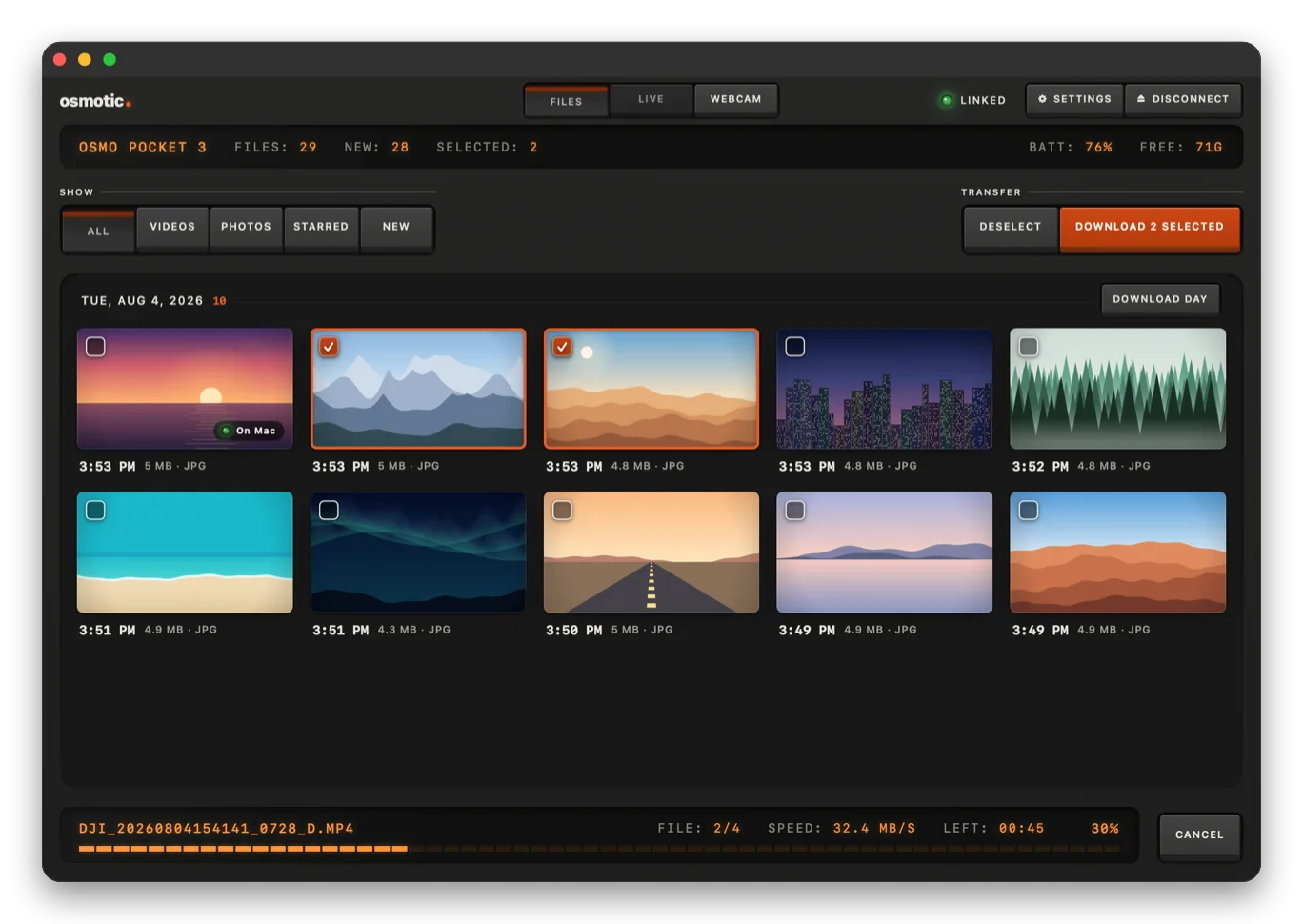
Wireless downloads, live control and a USB webcam, in one native Mac app.
Free and open source · macOS 15+ · Apple silicon and Intel
Speed: ~33 MB/s
Price: Free
License: MIT
Account: None
Speed measured with a real Pocket 3.
DJI's app sends wireless transfers to a phone only. Osmotic talks to the camera directly.
Pairs with the camera
Joins the camera's network
Pulls only what's new
Rejoins your Wi-Fi
Tab: Files
Only what's new lands on your Mac, in a folder per day.
Tab: Live
Record, take photos, switch modes and watch the picture live.
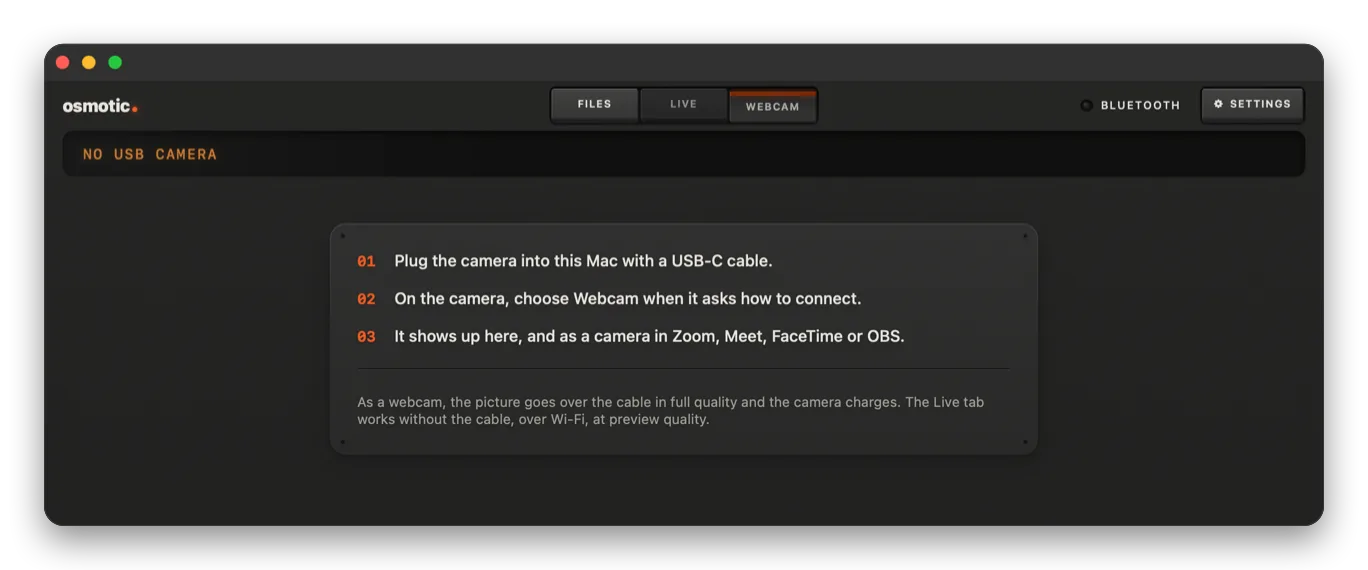
Tab: Webcam
Plug in USB-C and pick it in Zoom, Meet or OBS.
| Osmotic | DJI Mimo | Card reader | Pro offload apps | |
|---|---|---|---|---|
| Wireless to Mac | Yes | Phone only | No | No |
| Price | Free | Free | A reader | $49/mo or $169+ |
| Open source | Yes | No | n/a | No |
Pro offload apps: OffShoot, ShotPut Pro (Sept 2026). Mimo: DJI's export guide.
Download the .dmg and drag Osmotic to Applications.
First launch: Privacy & Security › Open Anyway. Not notarized by Apple yet.
Turn on the camera and click Connect.
| Camera | Files | Live | Tested |
|---|---|---|---|
| Osmo Pocket 3 | Yes | Yes | On hardware |
| Osmo Pocket 4 / 4 Pro | Yes | Yes | Not yet |
| Osmo Action 4 / 5 Pro / 6 | Yes | No | Not yet |
| Osmo Nano | Yes | No | Not yet |
Tried an untested model? Send a report.
No. It's an independent, open-source app by smithplus. It never deletes or changes files already on the camera.
Only to activate a brand-new camera. After that, no.
It's on the camera's Wi-Fi, which has no Internet. Ethernet or a tethered iPhone keep you online; your Wi-Fi comes back when you disconnect.
About 33 MB/s with a Pocket 3: a 2 GB clip in about a minute.
It resumes where it stopped, even clips over 4 GB. Files already on your Mac are skipped.
Yes. It's universal, on macOS 15 or later.
No. In Webcam mode it's a standard USB webcam. Not yet tested on hardware.
It isn't notarized by Apple yet. Open it once with Privacy & Security › Open Anyway. Updates are signed and checked.
Free, for Osmo owners with a Mac.